Adobe XD | Photoshop | Responsive Web Design
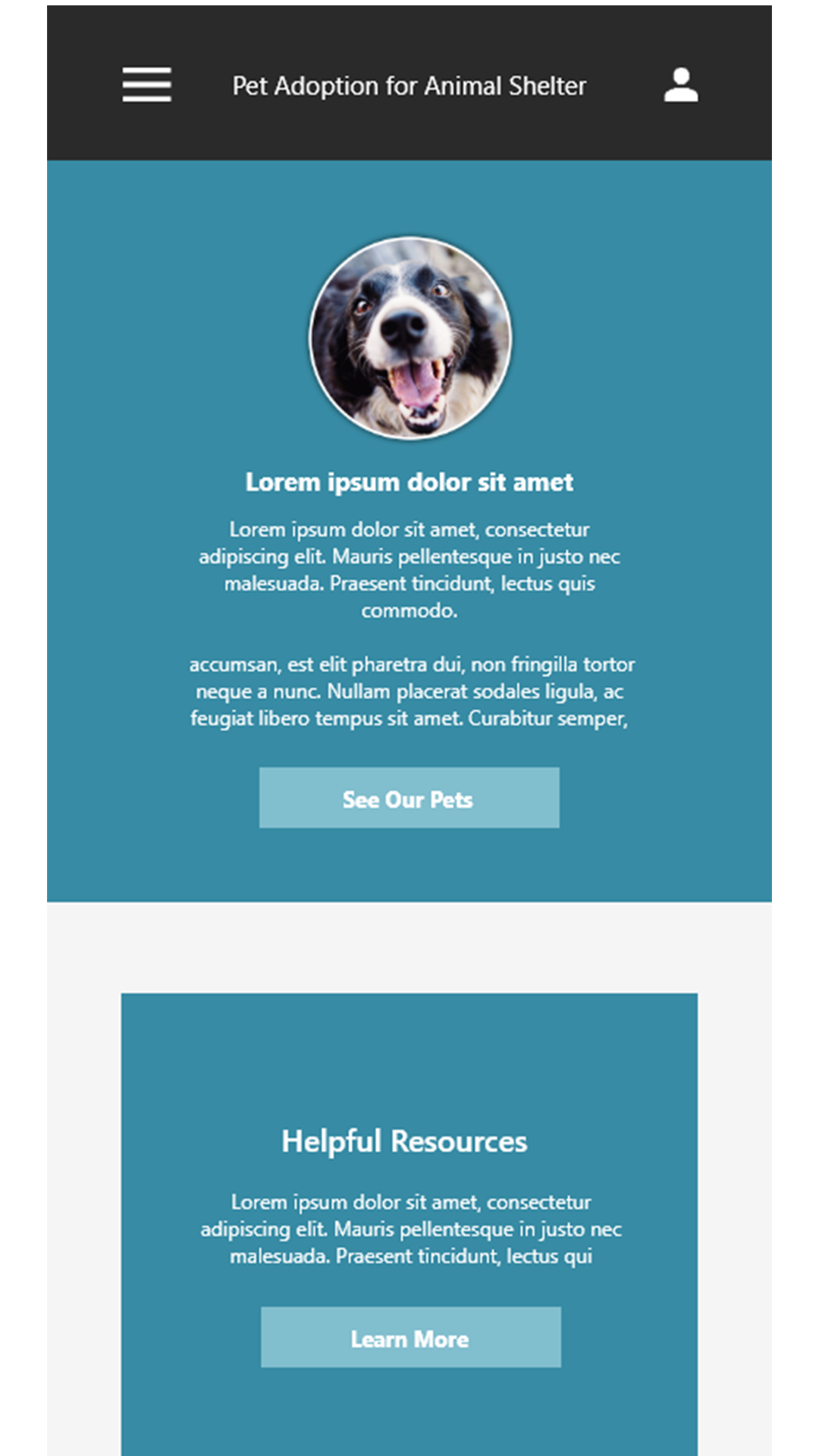
I designed and built a website that allows users to adopt animals while also providing opportunities to connect with and participate in the animal community.
Users want a streamlined process to discover animals in need of homes online, making adoption faster and more accessible.
Create a user flow that displays the qualities of the animal shelter and ways to get involved in the community
UX Designer designing a pet adoption website/app for an animal's shelter
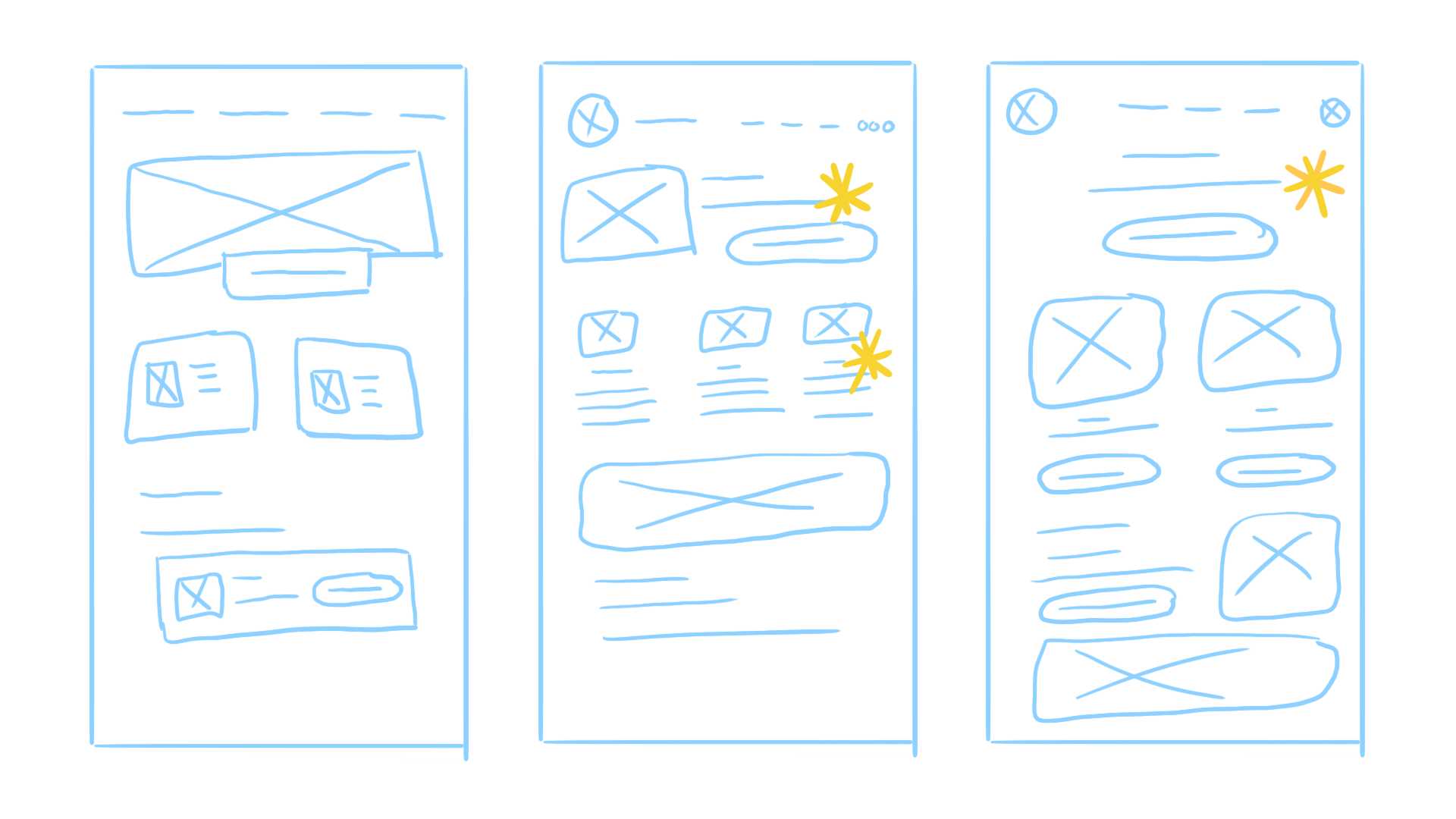
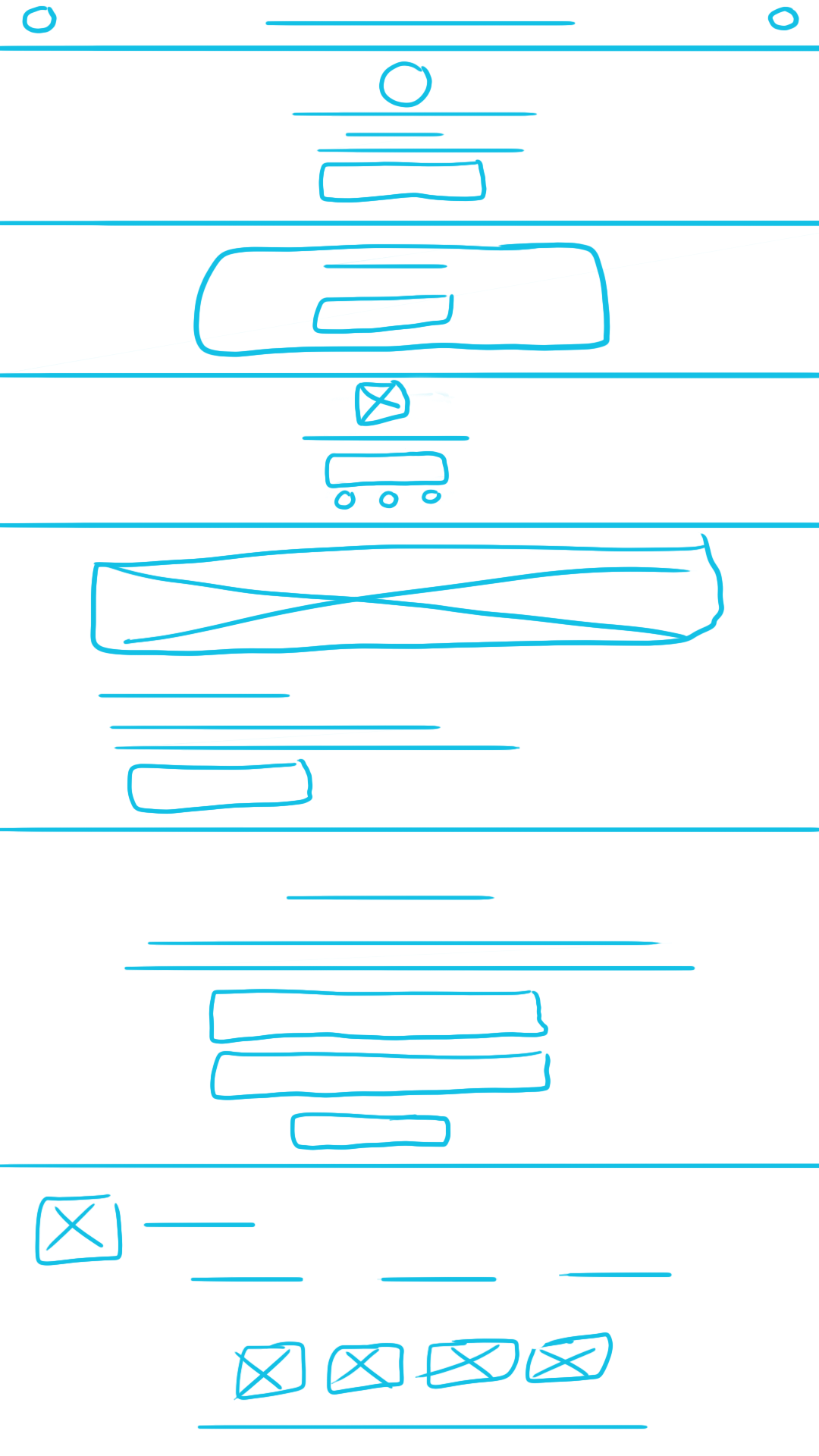
Conducting interviews, paper and digital wireframing, low/high-fidelity prototyping, conducting usability studies, accounting for accessibility, and iterating on designs
Actively contributed to every stage of the design process — from empathizing with users and generating ideas to prototyping and rigorous testing — ensuring impactful, effective solutions.
I conducted interviews and created empathy maps to gain a deeper understanding of the users and their needs. Research revealed that a primary user group consisted of individuals who love animals and are motivated to help those in need.
Research revealed that users wanted a clear pathway to both locate animals in need of homes and learn how they could participate in the broader animal community..
Users want accessible ways to learn how they can participate in and contribute to the animal community.
Users want the adoption process to be quick, intuitive, and easy to navigate.
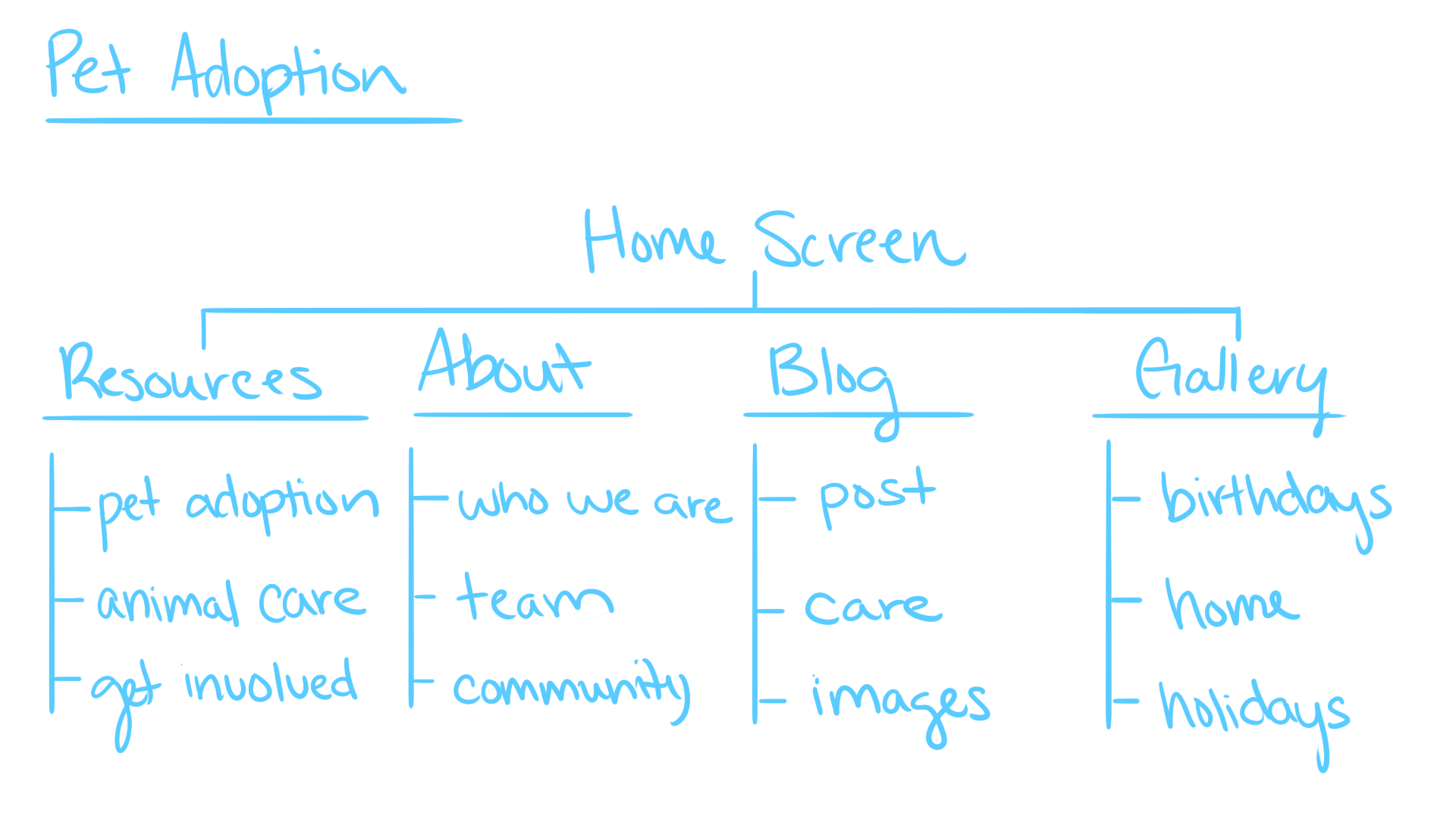
In developing the information architecture, I began by identifying and listing key elements. However, through ideation and usability testing, I recognized the importance of expanding the content to more effectively meet user needs and deliver a richer, more engaging experience.
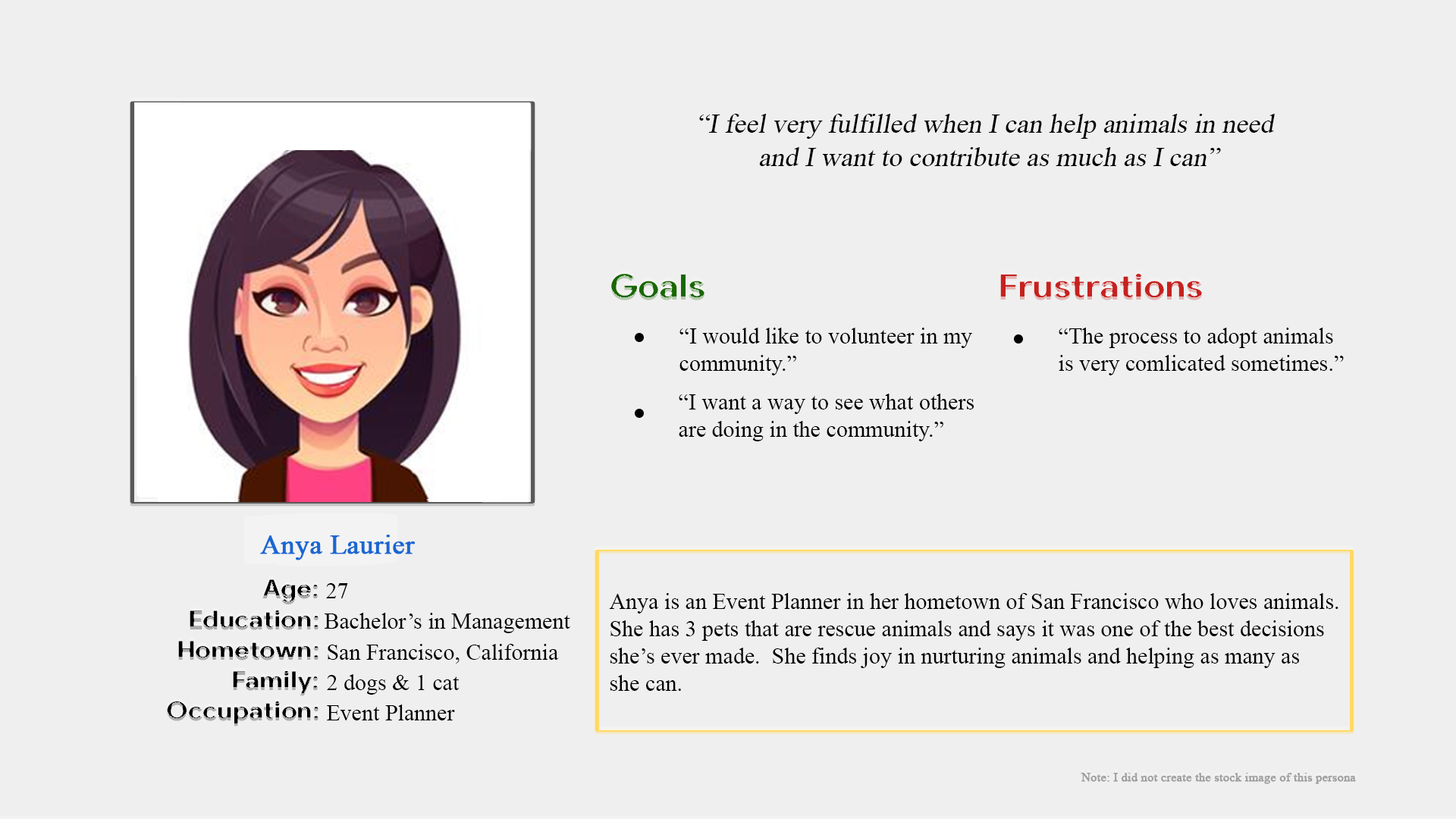
Anya is an event planner who seeks opportunities to engage with the animal community, reflecting her passion for contributing beyond her professional work.
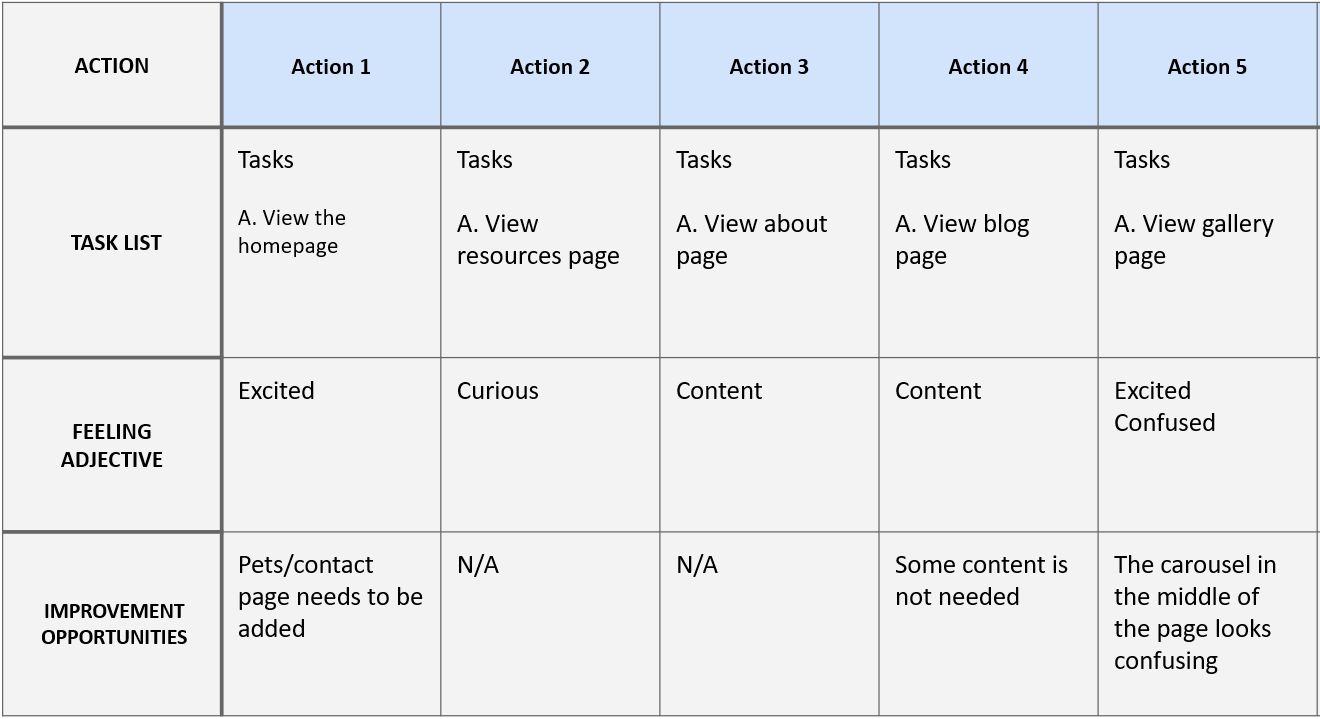
By mapping Anya’s user journey, I identified opportunities to add additional pages and streamline existing content. This ensured that the app remained clear, uncluttered, and aligned with user needs.
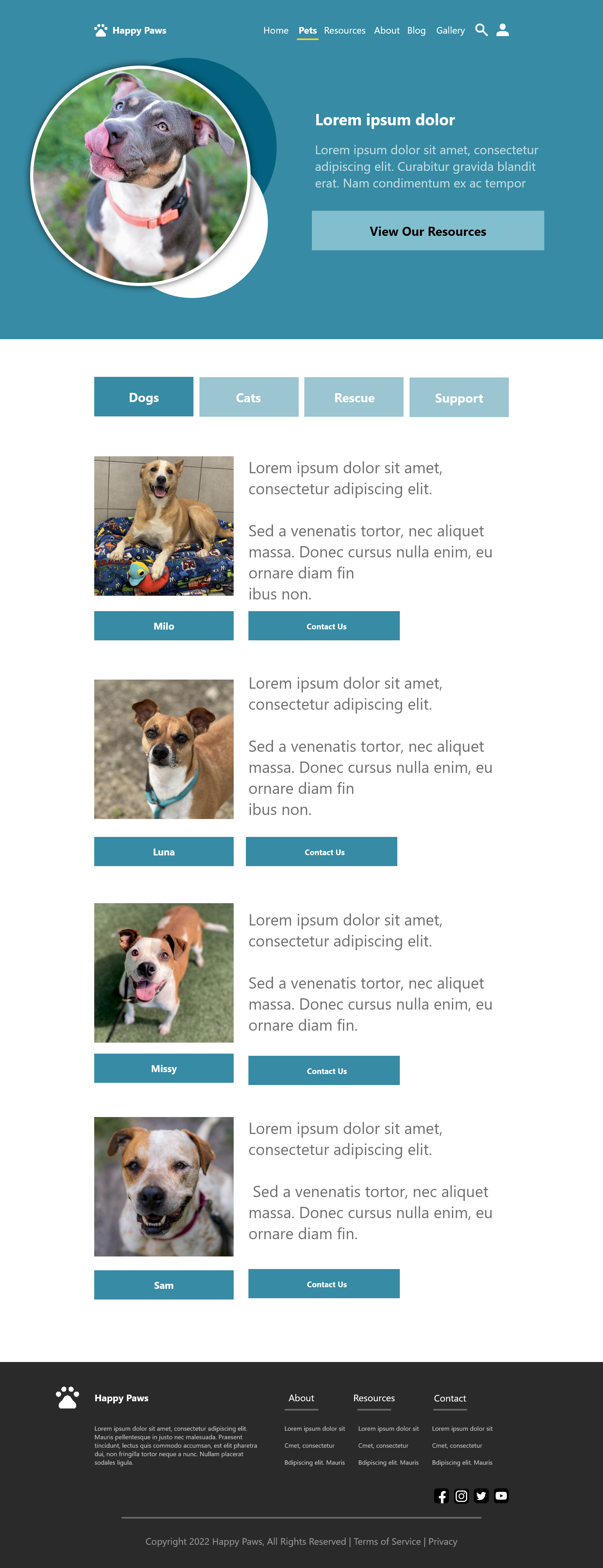
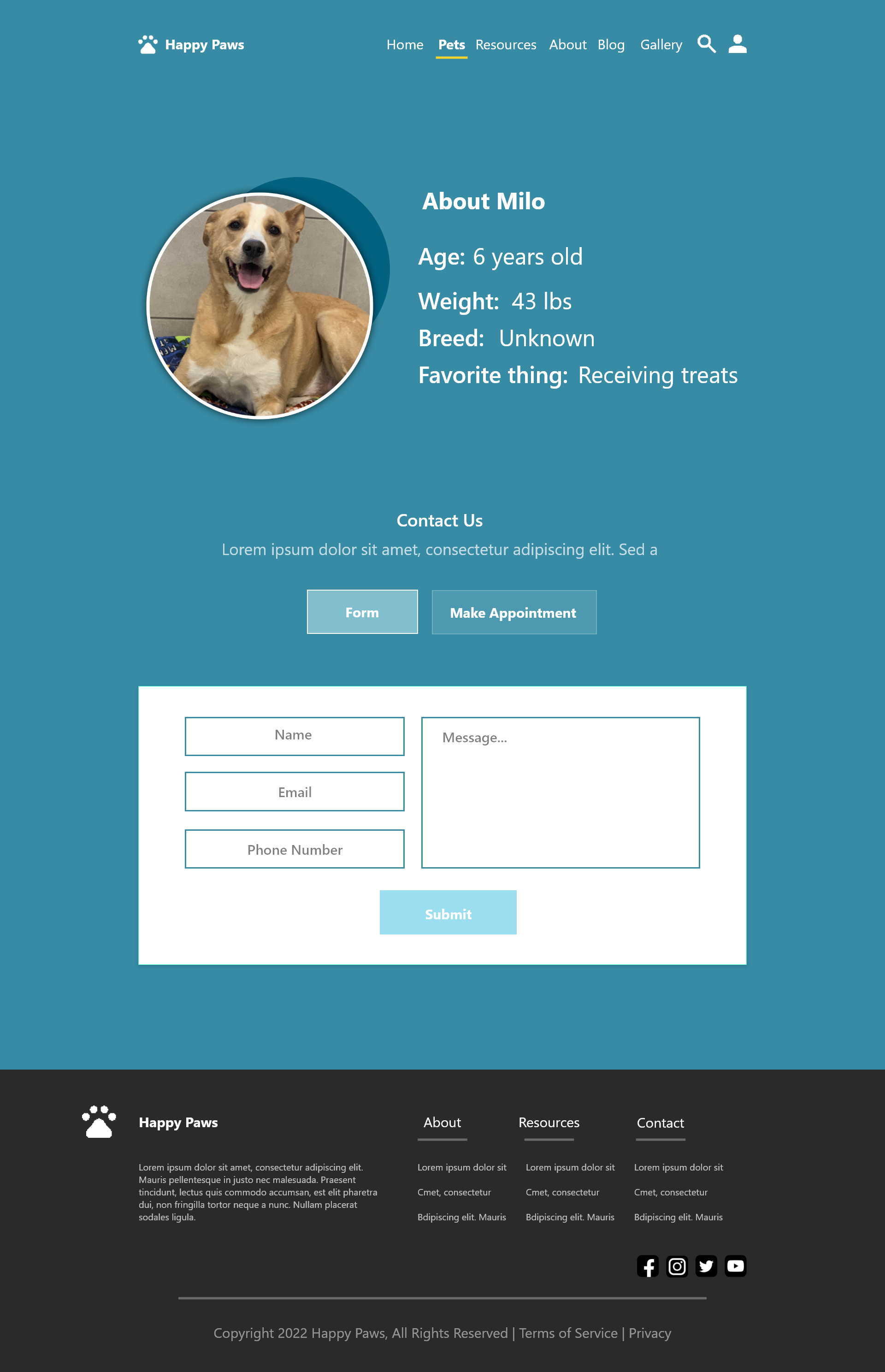
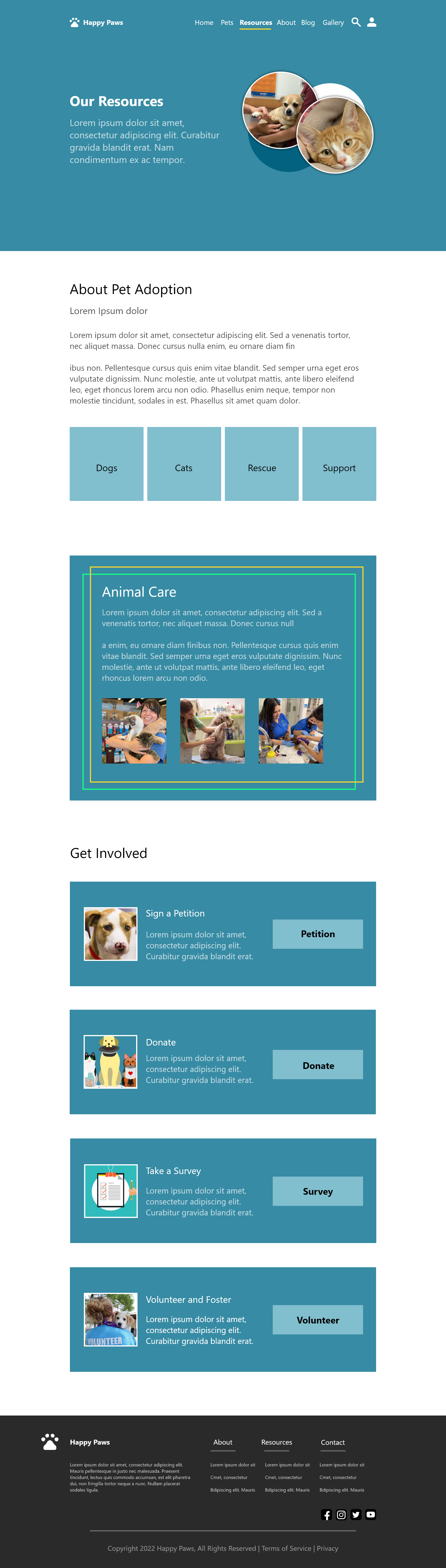
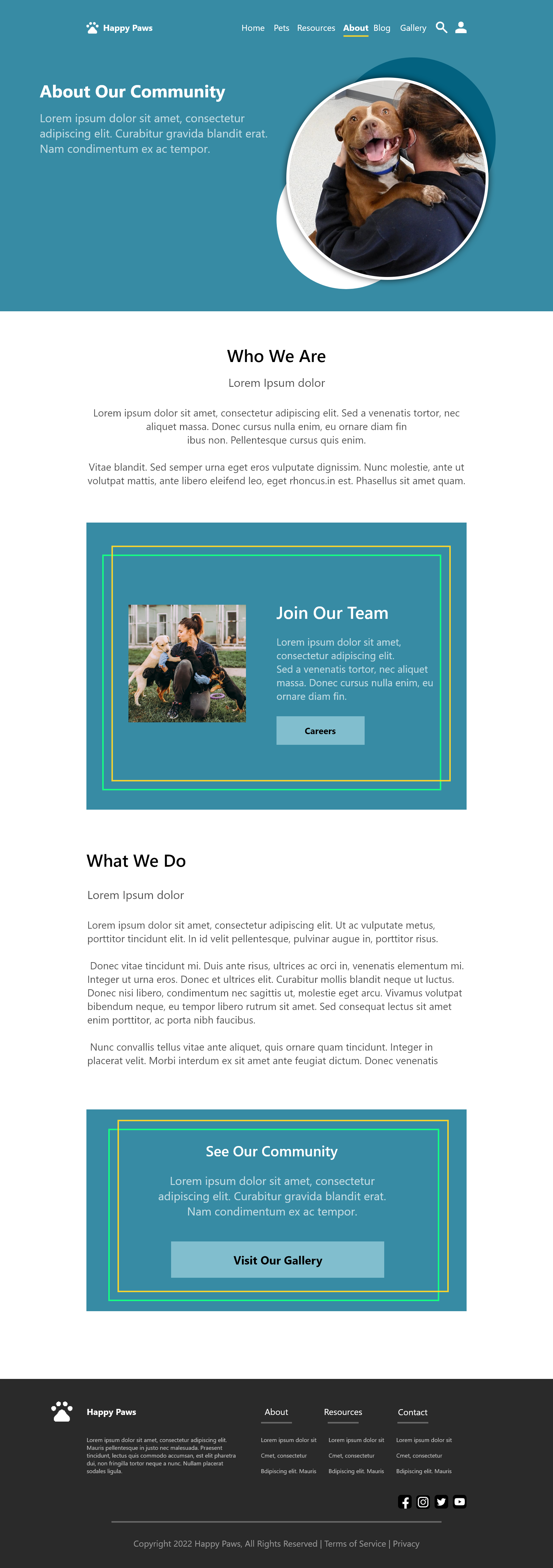
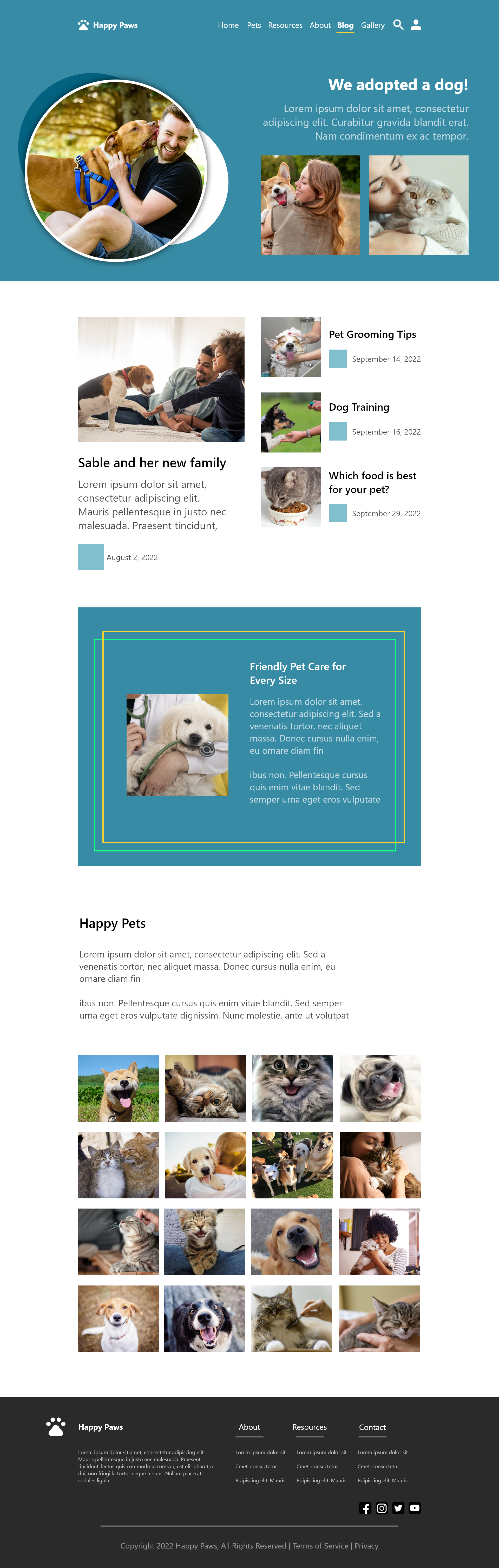
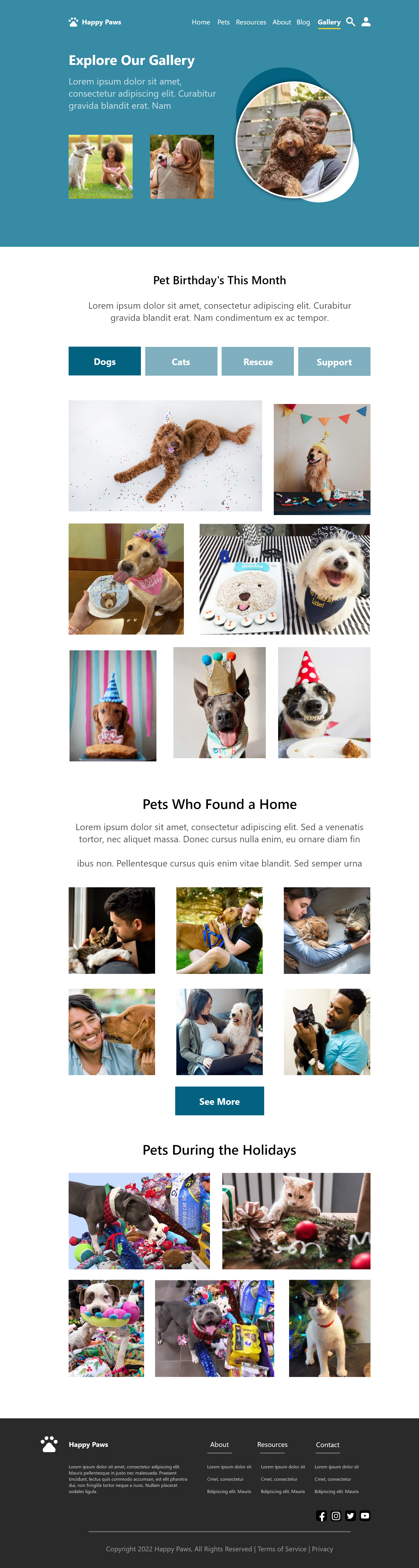
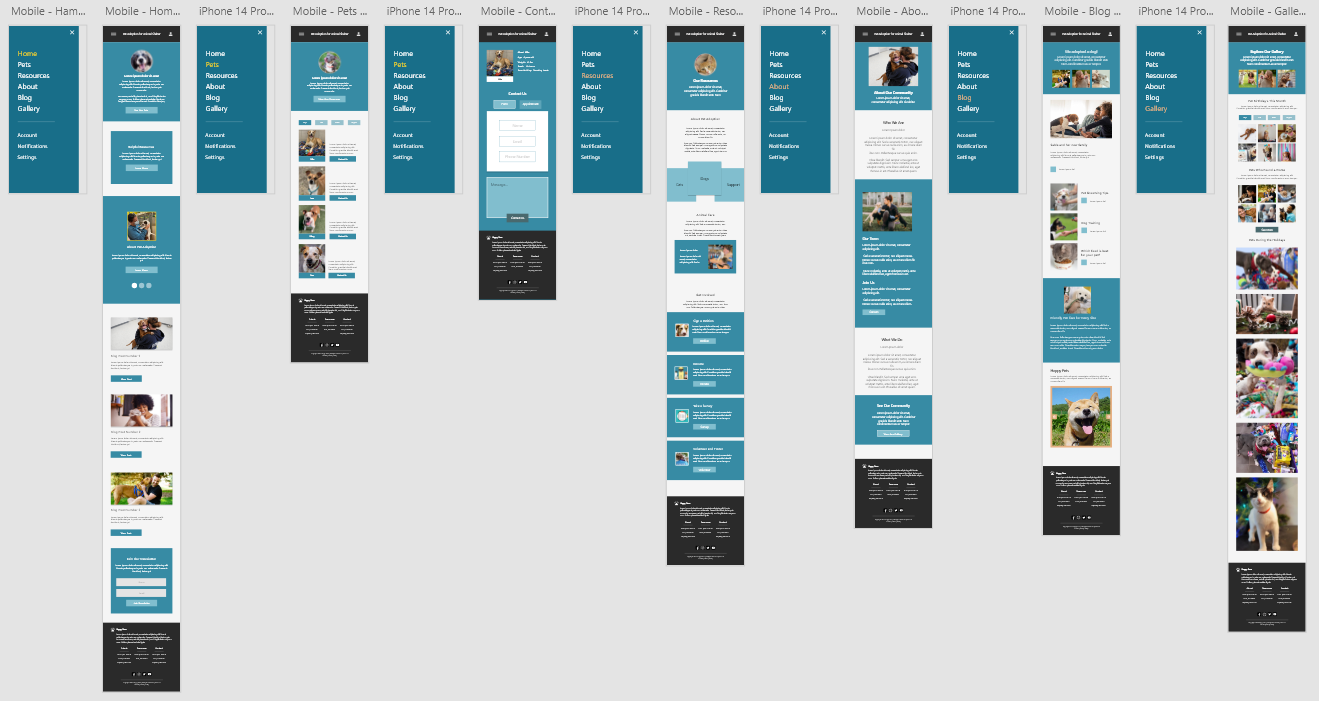
When creating the mockups, I prioritized giving users direct access to the website’s core components — pet adoption, resources, and current news — to support a clear and intuitive experience.
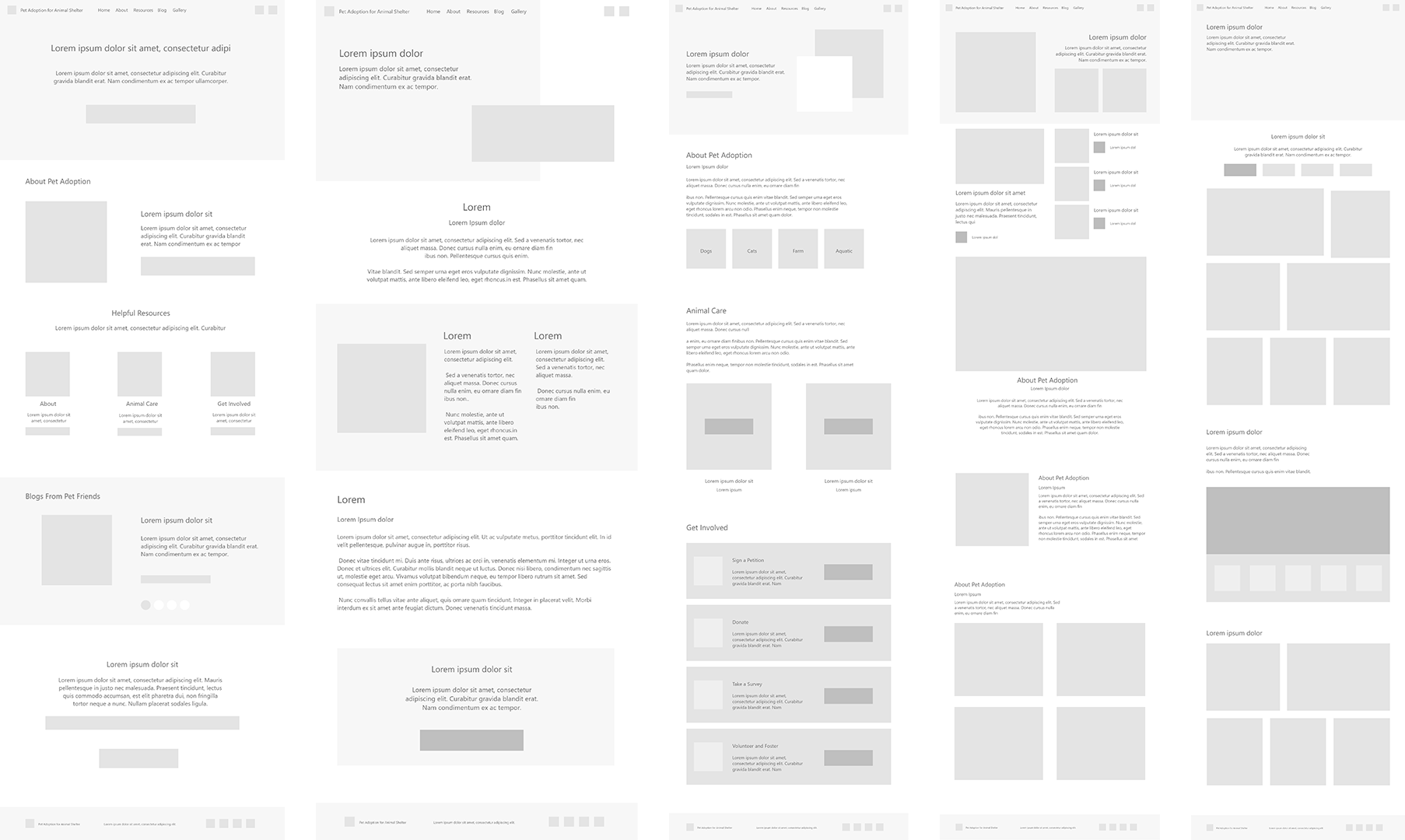
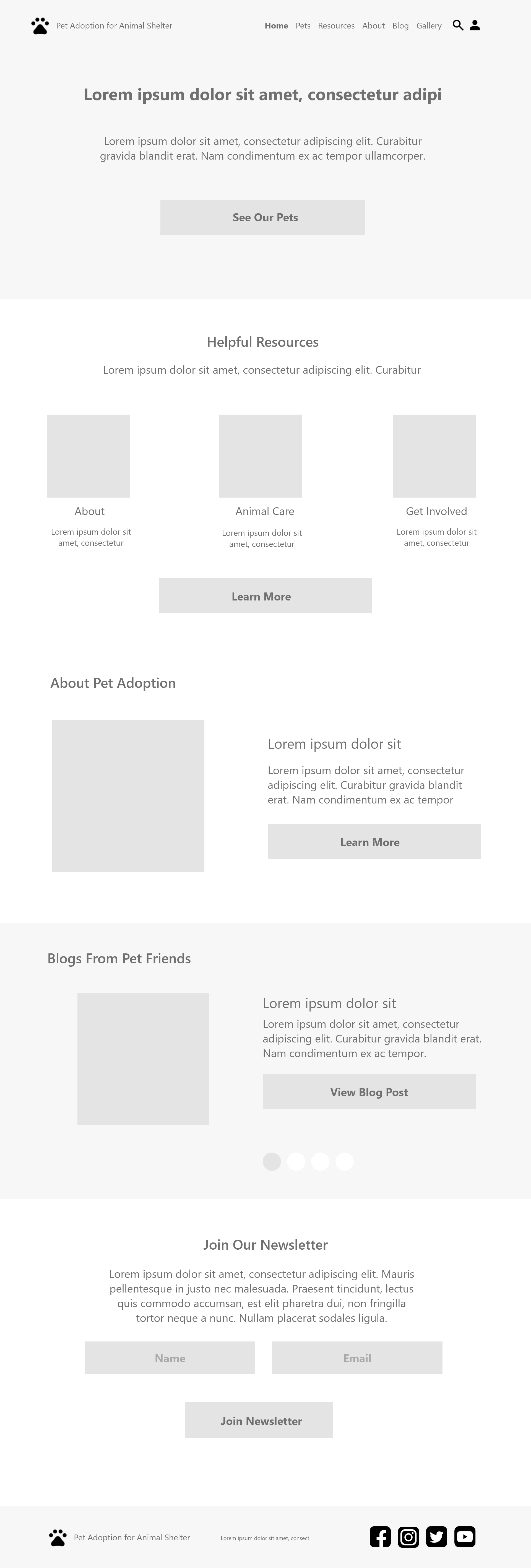
As the initial design phase progressed, I ensured that screen designs were informed by user research insights and feedback, creating solutions that aligned more closely with user needs.
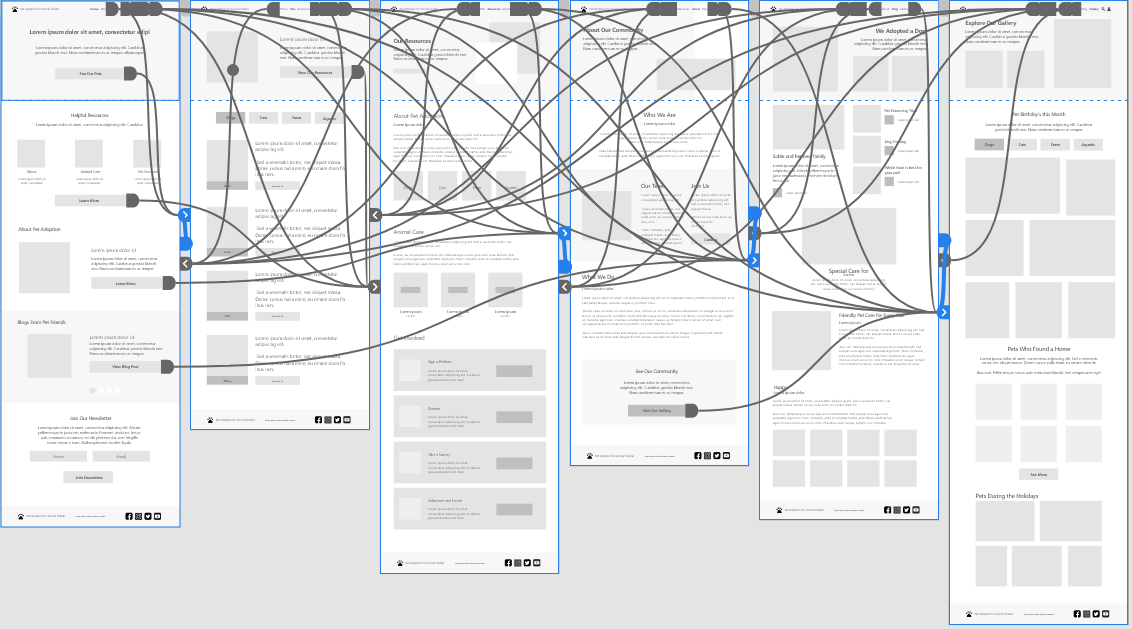
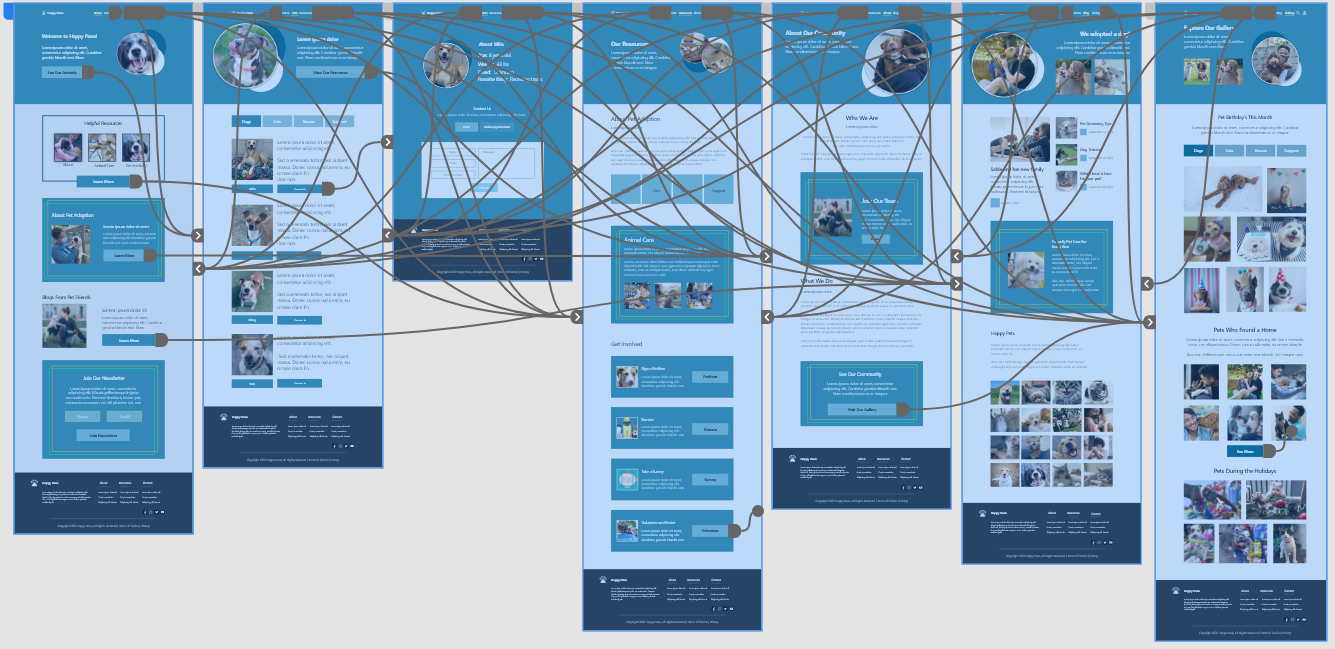
Using the finalized digital wireframes, I developed a low‑fidelity prototype to begin testing core user flows.
After reviewing the original design, I adjusted the layout by changing the order of the resources and about sections, and redesigned the newsletter section to improve usability and visual flow.
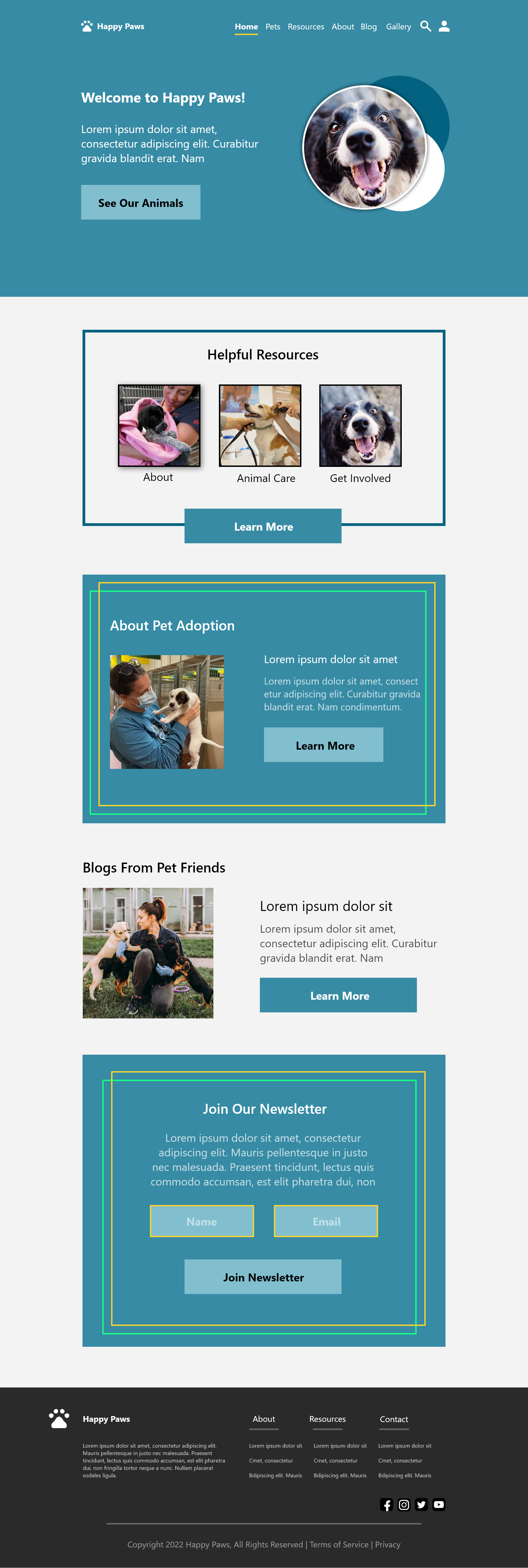
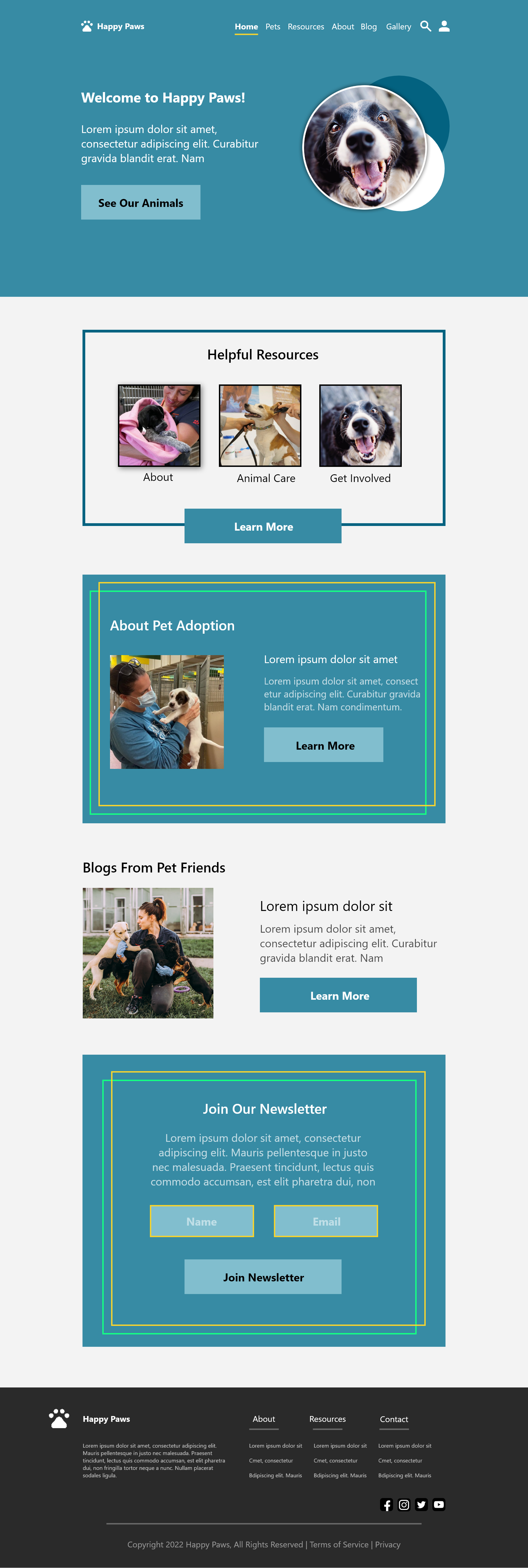
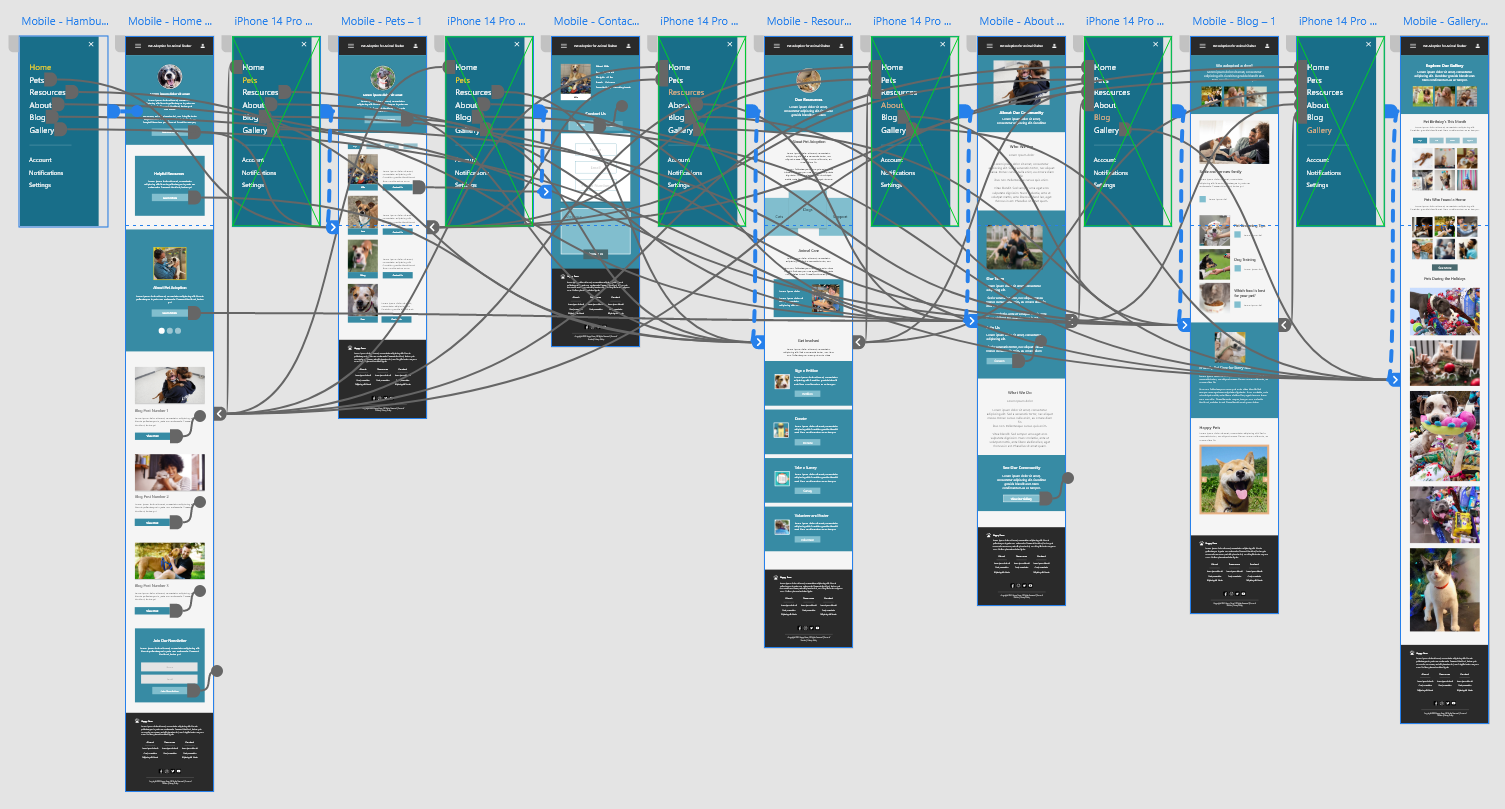
In the final high‑fidelity prototype, I refined the design to present cleaner user flows and ensure that information was more easily accessible.
View Prototype
The final high-fidelity prototype presented cleaner user flows and ease of access to information
Used colors that met the Web Content Accessibility Guidelines (WCAG) standards
Different font sizes and font weight were used to easily distinguish between headers
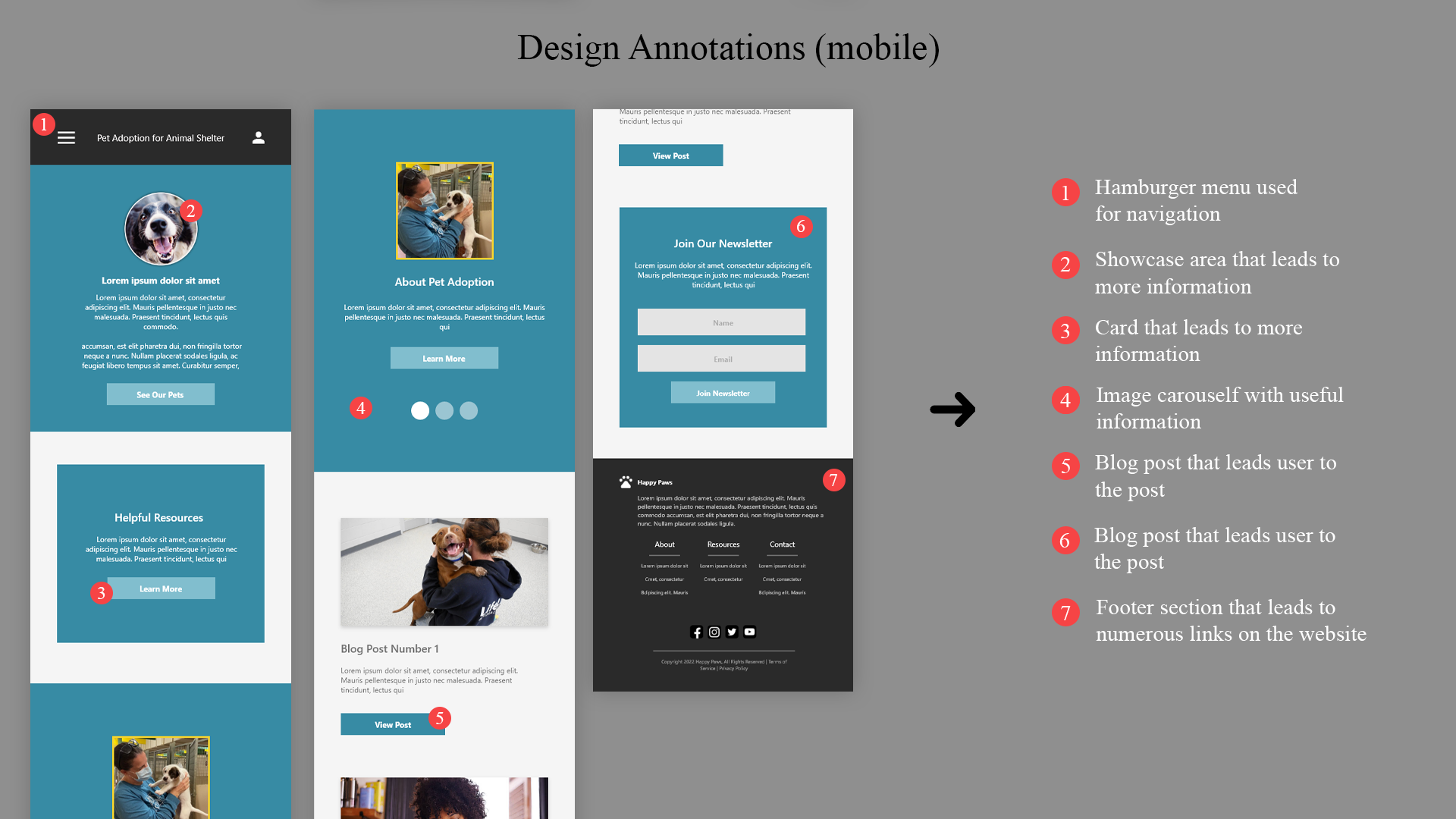
Annotations were made to assist developers in their implementation process
Conduct more user research to determine any new areas of need and iterate on the design.
Conduct another round of usability studies to validate whether the pain points users experienced have been effectively addressed.